Releasecore2026-08-21
Send photos, videos, and files to your robot in chat
Conversations are no longer text-only. Send a photo of a shelf and ask what's wrong with it, or get the robot to send back what it just saw — images, video, and documents now travel both ways.
Conversations That Aren't Text-Only
Talking to a robot through text alone is limiting. "Check the third shelf" means nothing without a picture of which shelf you mean, and when the robot reports a problem, a sentence is rarely as useful as the photo it was looking at.
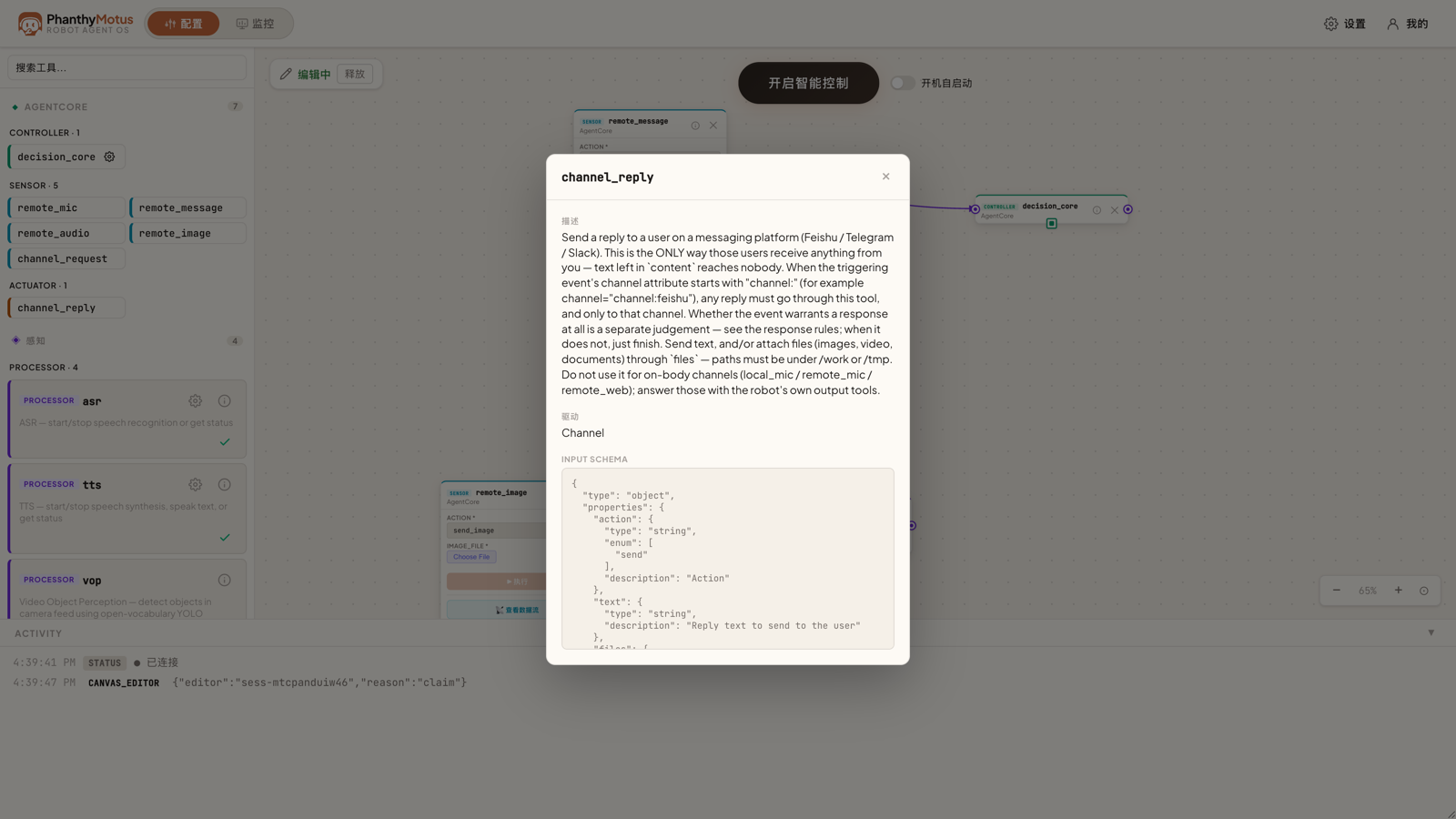
Chat channels now carry attachments in both directions.
What's New
- Send images to the robot — Attach a photo and ask about it. The robot passes it to its vision model and answers about what's actually in the picture
- Send video and documents — Short clips and files go through the same path, so you can hand over a reference video or a checklist instead of describing it
- The robot sends media back — Replies can include what the camera saw, a recognition result, or a captured frame, not just a text summary
- Works across your channels — The same attachment support applies wherever your robot is connected, so behaviour doesn't change between one chat app and another
Why This Helps
Most real requests are visual. Being able to show the robot what you mean — and have it show you what it found — removes a whole round of guessing from every conversation.