Speech on the GPU — an opt-in speed boost
Speech recognition can now run on the GPU for roughly 2.5× faster turnaround per utterance. It's opt-in, because the speed costs memory — the default stays on CPU.
Faster Speech, When You Have the Headroom
The gap between someone finishing a sentence and the robot starting to answer is the single most noticeable part of talking to it. Shortening that gap makes the robot feel attentive rather than slow.
Speech recognition can now run on the GPU — as a deliberate choice, not a default.
What's New
- GPU inference for recognition — Roughly 2.5× faster turnaround per utterance compared to running on CPU
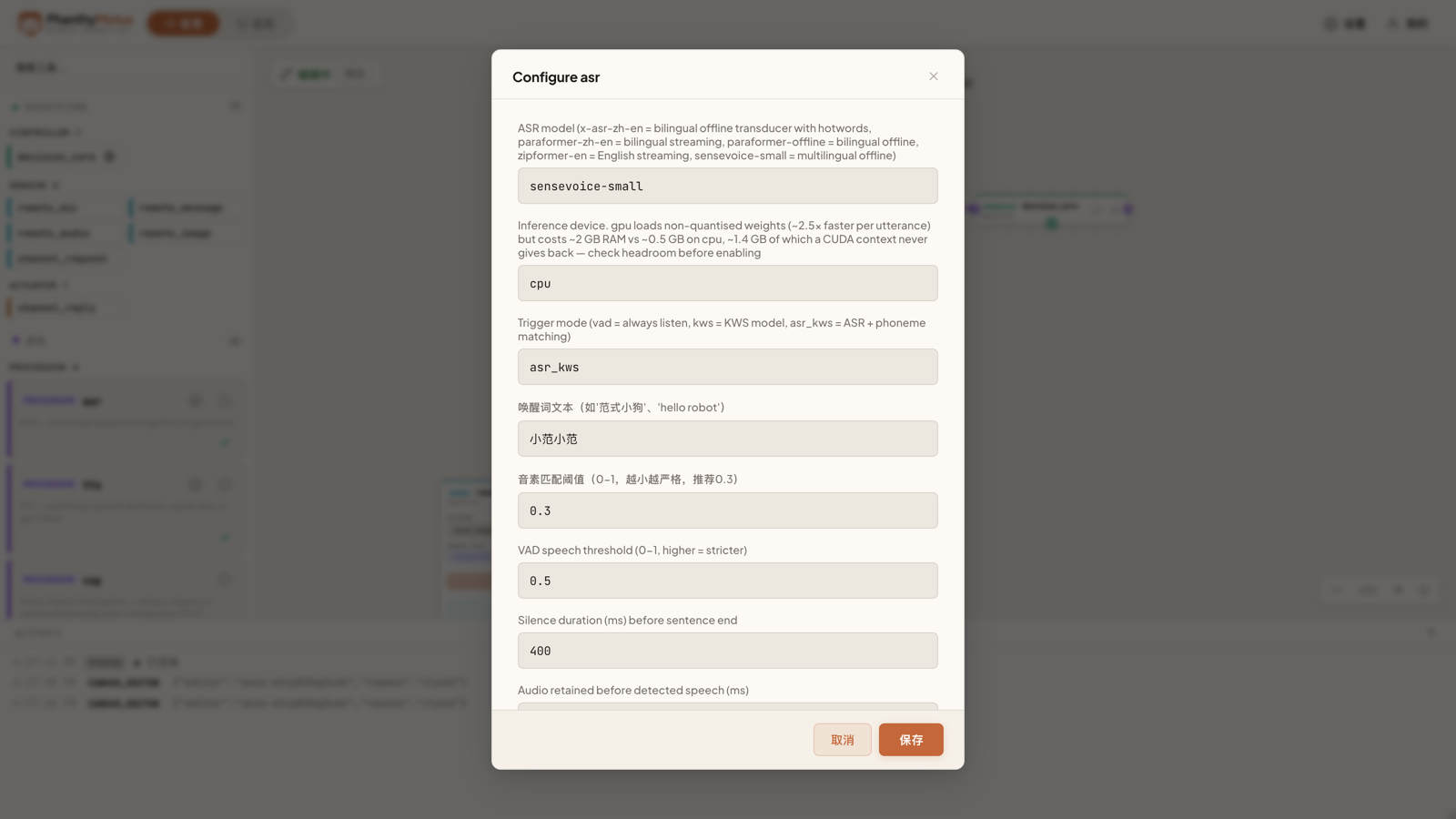
- Choose per deployment — Pick the device in the speech card's configuration, alongside the model
- Only where it's supported — The device option appears only for models with a verified GPU build, so you can't select a combination that won't run
- CPU remains the default — Nothing changes unless you opt in
Read This Before Switching
The speed comes at a real cost in memory. On GPU the model needs around 2 GB of RAM versus roughly 0.5 GB on CPU — and about 1.4 GB of that is CUDA context that is never given back for as long as the process lives. On a robot that is also running perception, navigation, and the agent, that headroom may not be there. Check what's free before enabling it.
Some model and precision combinations are also less reliable on GPU than on CPU — one known case returns an empty transcript for certain inputs rather than degrading gracefully. If recognition starts coming back blank after you switch, switch back to CPU and it goes away.
Our recommendation: enable it where response latency is the thing users complain about and you have the memory to spare. Otherwise the CPU default is the safer choice.