RealMan RM75-6F-V — a 7-axis arm your robot's AI can drive safely
The RealMan RM75-6F-V driver is available. Seven joints in one card, a pre-move self-check that refuses unsafe commands instead of moving first, motion that only reports done when the arm has actually arrived, a full set of live state cards, and a 3D skeleton view.
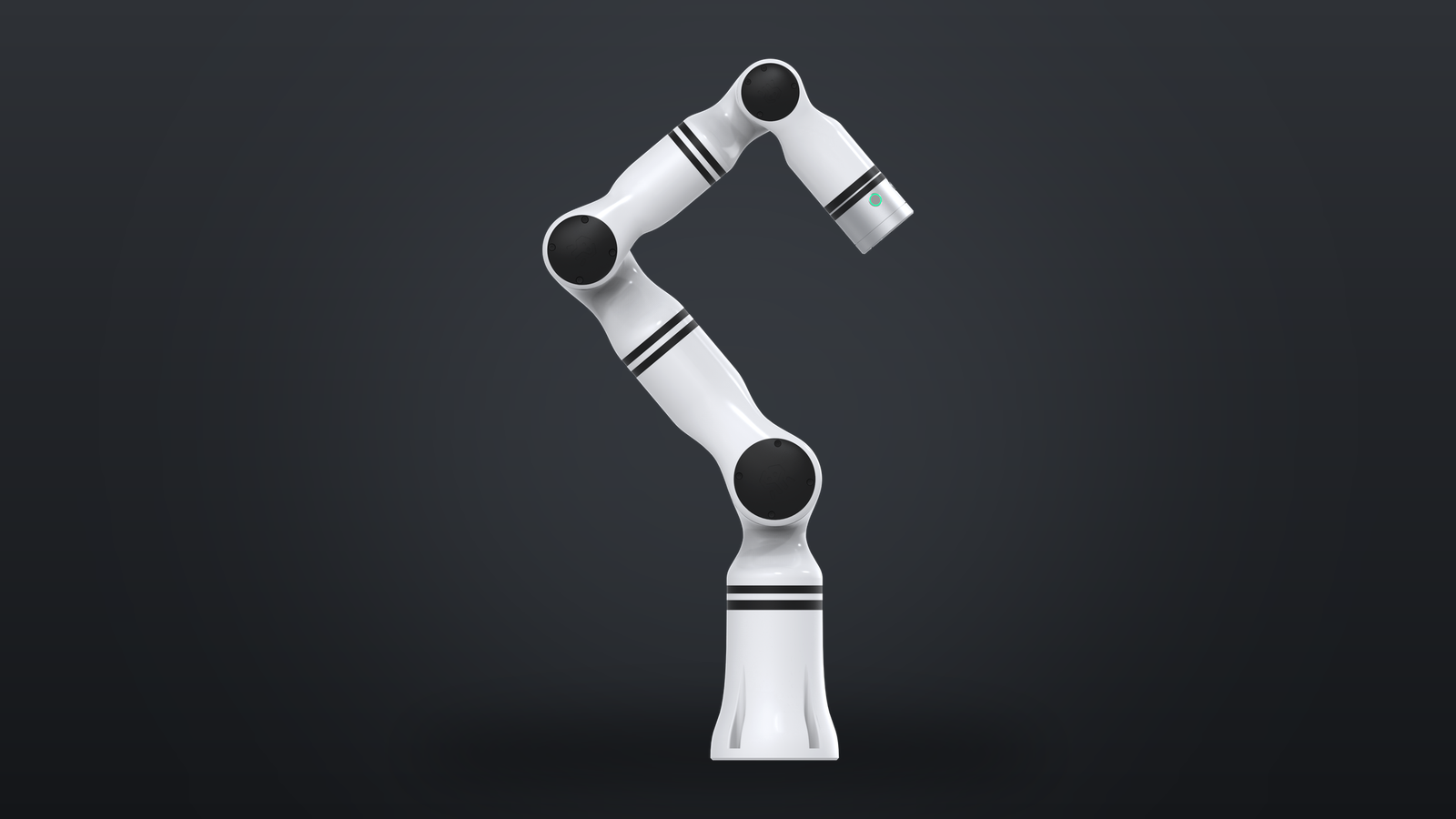
Giving an arm to an agent used to mean writing the safety layer yourself
An arm is the part of a robot that can actually hurt something. So the moment you let a model decide where the joints go, you need everything around that decision: is the state data still current, is the target inside the joint's travel, is the arm already in an error state, and — the one people forget — has the previous move actually finished before the next instruction arrives?
The RealMan RM75-6F-V driver ships that layer with the arm. Install it, and the arm shows up on the canvas as cards the agent can read and drive.
What you get
- All seven joints in one command. The
joint_controlcard takes joint 1 through 7 as radians and sends them as a single coordinated move, with a speed percentage you set per call. No per-joint sequencing, no hand-built trajectories. - A self-check before anything moves. Every target is validated first: the joint state feed must be fresh, the arm must be free of active errors, and each angle must sit inside the configured travel limit. A command that fails any of those is rejected before a single message reaches the arm — you get an error back, not a surprise motion.
- "Done" means the arm arrived. Motion is asynchronous, but the driver reports completion only when the arm reports the move finished and the joints are within tolerance of the target — or when it errors out or times out. Multi-step tasks chain correctly because step two can't start against a still-moving arm.
- The whole state stream, as cards. Joint positions, arm state, raw controller state, current status, per-joint error codes and controller error codes each get their own card, so you can wire them into panels or feed them to the agent as context.
- A 3D skeleton you can watch. The driver publishes the arm's kinematic model, so the dashboard renders the live pose in 3D instead of a wall of numbers.
- Stop, and recover. A stop action halts motion immediately, and joint errors can be cleared one joint at a time without power-cycling the arm.
The hardware
RM75-6F-V is the six-axis-force variant of RealMan's RM75 series: 7 degrees of freedom in a humanoid configuration, 5 kg payload, 627 mm working radius, 7.9 kg of its own weight, and ±0.05 mm repeatability with TCP speed up to 1.8 m/s. Joint travel is ±178° on J1/J3/J5, ±130° on J2, ±135° on J4, ±128° on J6 and ±360° on J7. It mounts at any angle, so it works on a table, a wall, or a mobile base.
Getting started
- Bring up RealMan's official
rm_driverfirst (ROS2 Humble) and confirm it is connected to the arm. This driver is the layer above it — it speaks torm_driver, which speaks to the arm's own controller. Without it running, the cards will have no data. - Install the RM75-6F-V driver from the dashboard marketplace and point it at the arm.
- Drop the state cards on the canvas first and check the numbers look right — joint angles moving when you move the arm by hand, no error codes.
- Only then try
joint_control. The default speed is 5%, deliberately conservative; raise it once you trust the setup.
Before the first move: clear the workspace and have someone standing by who can hit stop. A seven-axis arm sweeps a wide volume, and a small angle error at the base is a large movement at the wrist.
Contributed by a community developer.