Talk to your robot in a group chat — and decide who is allowed to
Feishu channels now work in group chats as well as direct messages, replies land on the message that triggered them, images and files come through, other bots can be allowed in one at a time, and roles are managed from a panel in the dashboard.
The robot joins the conversation your team already has
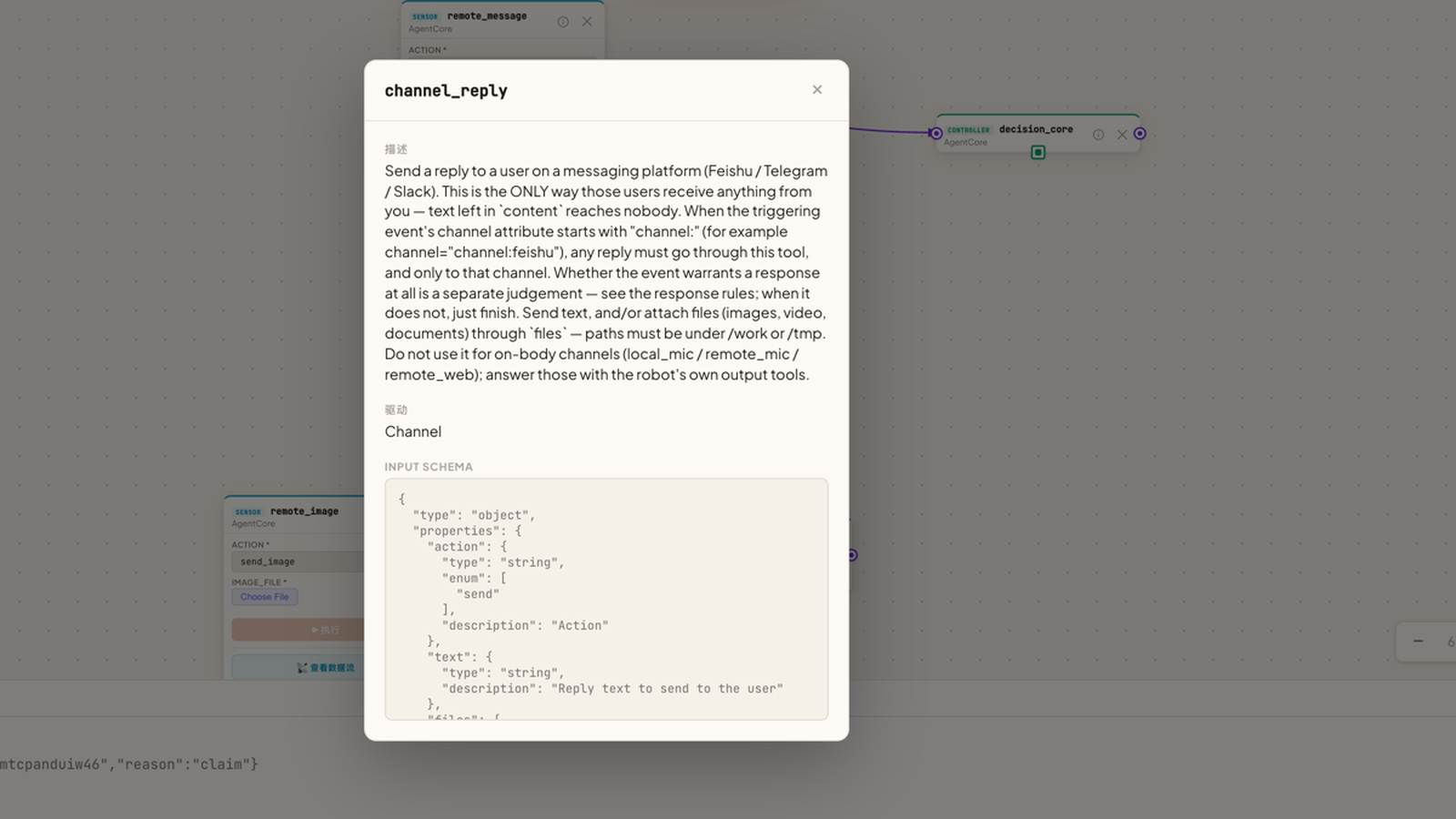
Talking to a robot used to mean opening its dashboard. Now it sits in the chat tool your team lives in: say something in a direct message or in a group, and the reply comes back in the same conversation, attached to the message that started it — so a busy group thread stays readable.
What you get
- Group chats, not just DMs. The agent handles the message and answers in the conversation it came from, replying to the specific message that triggered it.
- Channel names in your own language. Channel IDs can contain Chinese characters, spaces, hyphens or start with a digit; the platform maps them to stable internal topics for you.
- Send it more than words. Inbound text, images, video, audio and ordinary files all reach the agent, and replies can carry attachments back.
- Other bots, admitted one at a time. Bot-to-bot messaging is off by default. Turn it on and the robot still only listens to bot messages that explicitly @-mention it in a group — never in a direct chat.
- Trusted bots are pinned to a specific place and sender. A trusted entry only matches when the channel, the group and the sending bot's identity all line up — and it is filled in through a proper form now, not a raw JSON box.
- Roles from the dashboard. A new Users panel manages access-control roles in the UI, including a read-only viewer role.
The safety boundary, stated plainly
An untrusted bot can only reach sensor and resource tools, finish a turn, and send a plain-text reply bound to the message it is answering. It cannot run actuators or processors, execute shell commands, browse, touch files, or delegate work.
Adding a trusted bot is the opposite: it grants that peer the control plane. Only ever add bots you operate yourself.
How to try it
Open the channel panel in the dashboard, add your Feishu channel, and invite the robot into a group. If you want another bot to be able to talk to it, add that bot as a trusted entry — channel, group and sender all specified.
Contributed by a community developer.