AgiBot X2 humanoid now supported
The AgiBot X2 joins the platform with 23 MCP cards — locomotion, 26 preset motions, dexterous hands, Linkcraft motion library, RGB-D + lidar + SLAM, TTS, expressions and LED.
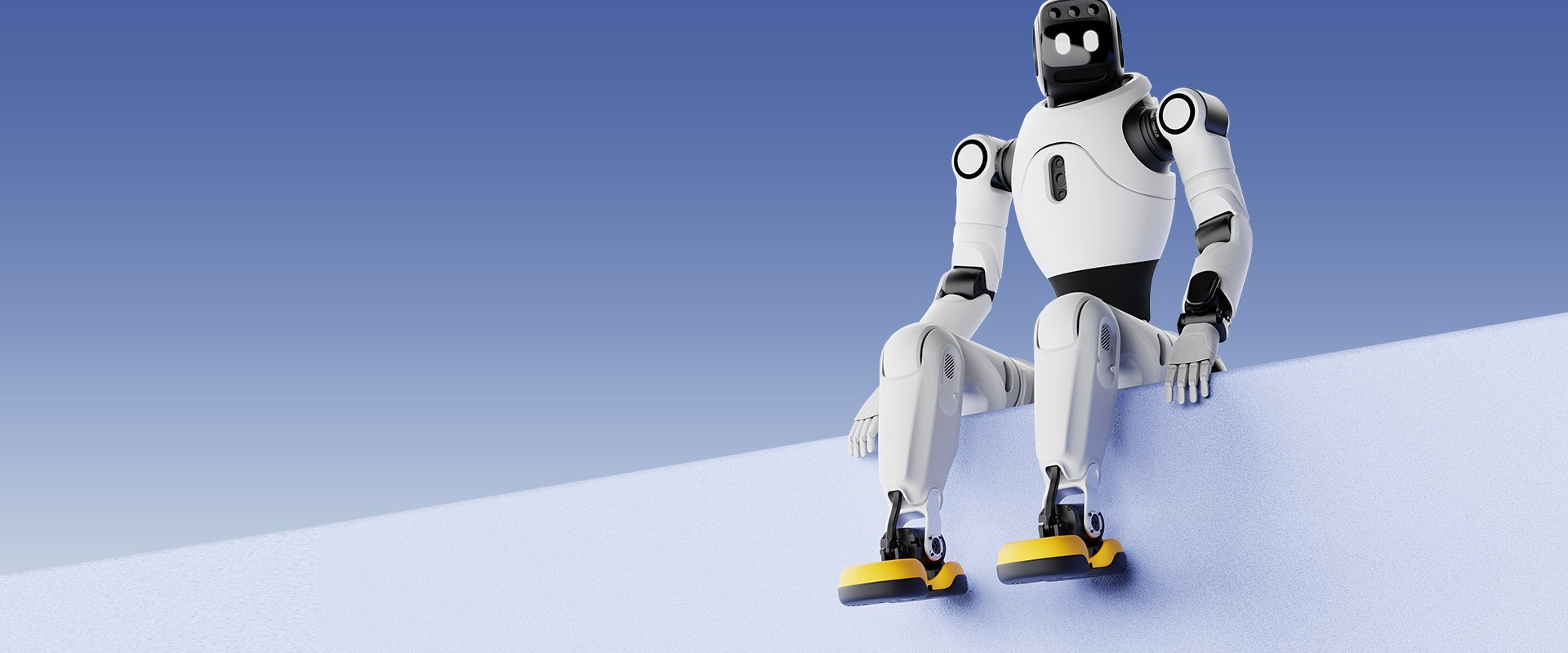
One More Humanoid Joins the Platform
The AgiBot X2 is now supported.
Install it and 23 MCP cards show up on your canvas: 10 sensors, 11 actuators, 1 processor, 1 resource.
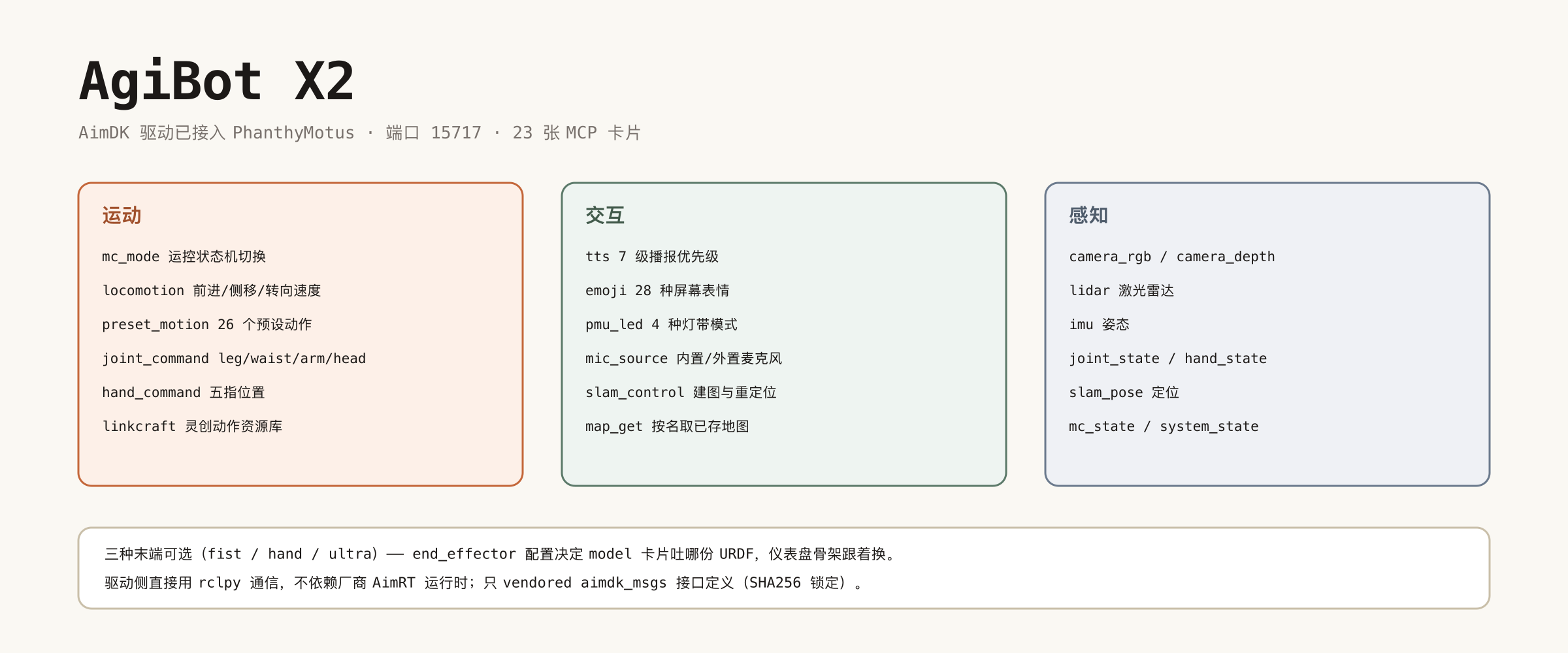
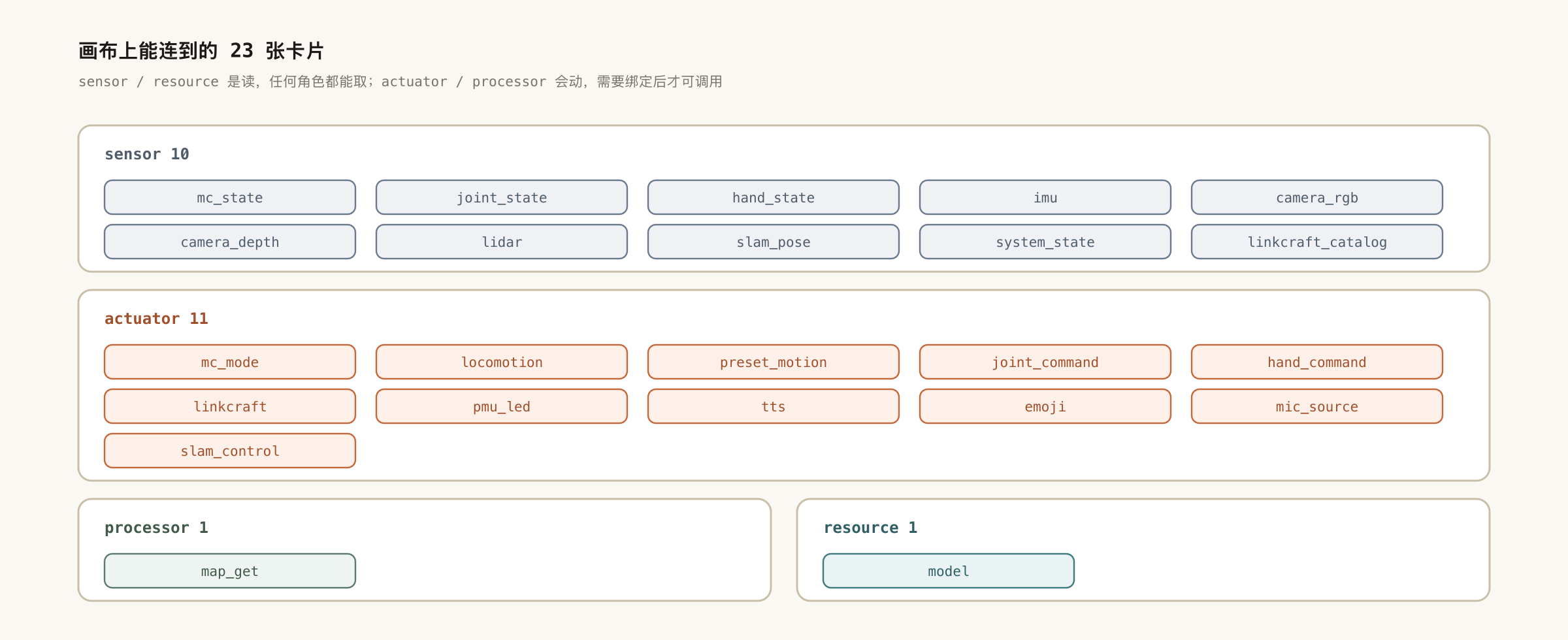
What You Get
| Card | What it does |
|---|---|
mc_mode | Switch the motion-control state machine (required before it will walk) |
locomotion | Forward / lateral / angular velocity, after registering as an input source |
preset_motion | 26 built-in motions — wave, handshake, bow, heart, photo pose, nod, shake head… |
joint_command | Position, velocity, torque, stiffness and damping per leg / waist / arm / head |
hand_command | Dexterous hand: open, fist, or per-finger positions |
linkcraft | Run on-board Linkcraft motion resources; list them with linkcraft_catalog |
tts / emoji | Speech with 7 priority levels, and 28 on-screen expressions |
pmu_led | Four LED modes: constant, breath, flash, flow |
mic_source | Switch between the internal and external microphone |
slam_control / map_get | Mapping and relocalization; fetch a saved map by name |
Perception is wired up too: RGB and depth cameras, lidar, IMU, whole-body joint state, hand state, SLAM pose, plus the motion-control and system state machines — all viewable on the dashboard or connectable straight into the agent's decision core.
Three End Effectors, Skeleton Follows
X2 ships with interchangeable end effectors (fist / hand / ultra). The driver's
end_effector setting decides which URDF the model card serves, so the dashboard's 3D
skeleton and the joint layout used by hand_state / hand_command switch with it — no manual
joint-name matching.
Getting Started
- Install the AgiBot X2 (AimDK) driver from the dashboard marketplace (port
15717) - Set
end_effectorto match your robot's hardware - Drag the cards you need onto the canvas and wire them to the decision core
- Start talking to it
Two Things Worth Knowing
- Switch modes before walking.
locomotiononly takes effect once the motion-control state machine is in the right mode; velocity commands sent before that do nothing. Callmc_modefirst. - Single-arm motions need an arm.
raise_hand,wave_hand,shake_handand friends require an explicitarea=left_handorright_hand— without it the call fails, because the robot has no way to know which arm you meant.